Dashboards & KPIs
Marketing Campaign ROI
Spend, leads, conversions and revenue per channel with live ROI.
lock_open
No sign-up · English & Spanish · Excel and Google Sheets
What's inside
- Spend, leads, conversions, revenue
- Live ROI = (Revenue − Spend) / Spend
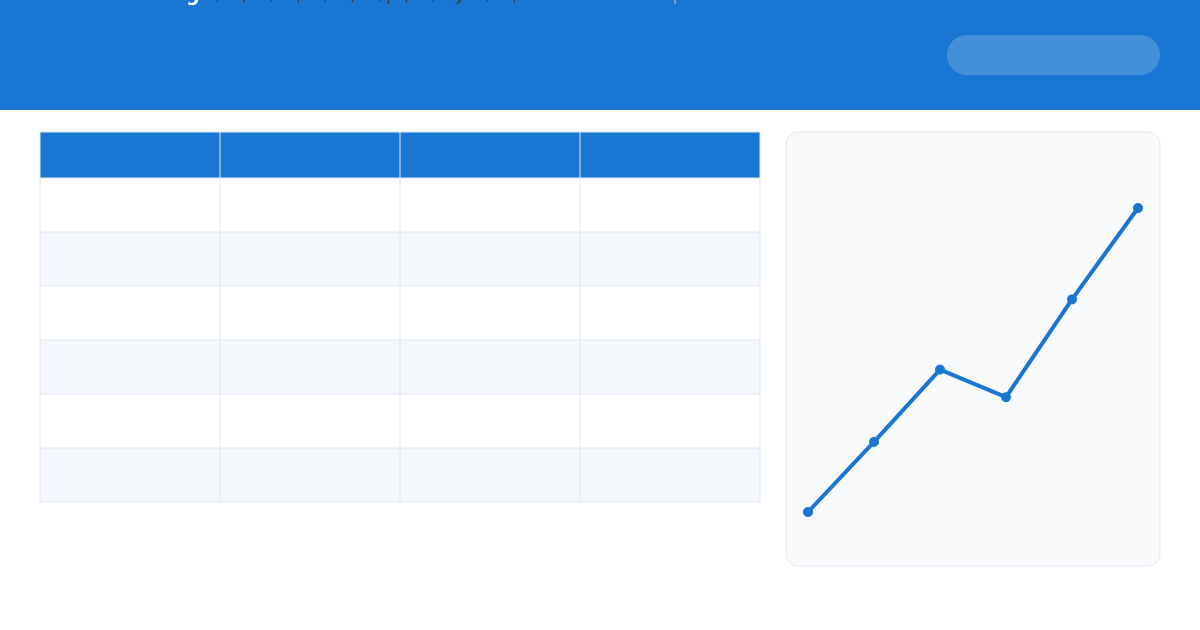
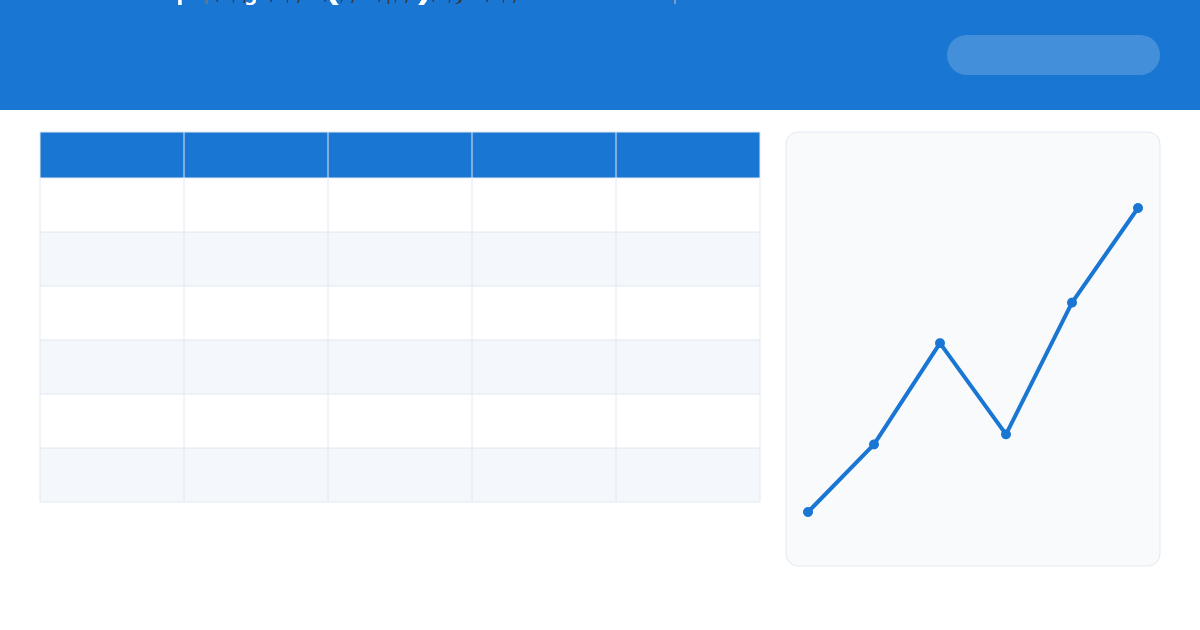
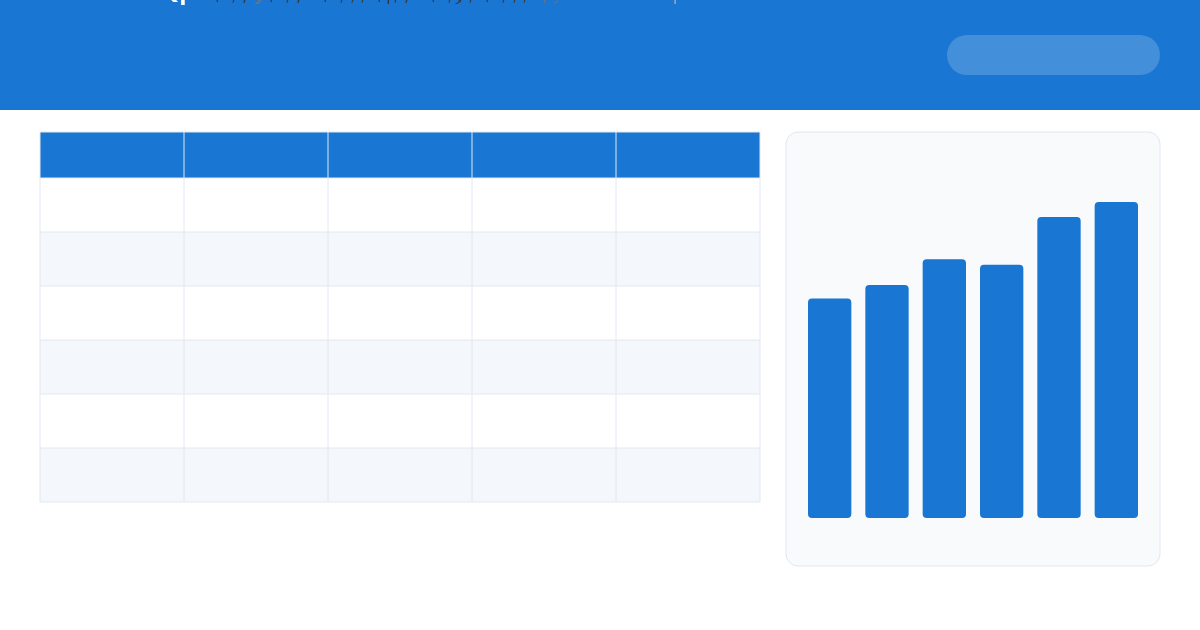
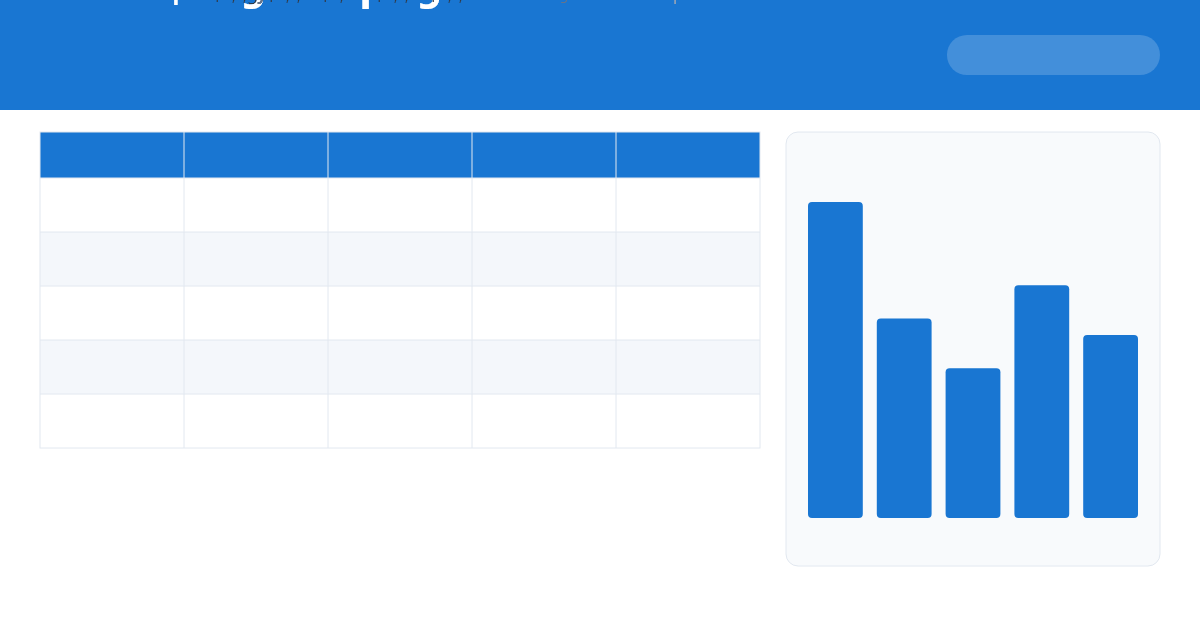
- Revenue-by-channel chart
- KPIs
Compare marketing channels: spend, leads, conversions, revenue and a live ROI % — perfect for a results meeting, with KPIs and a chart.
- Click Download and open the file in Excel, Google Sheets or ExcelBot.
- Open the Summary sheet for KPIs and the chart, then replace the sample data on the Data sheet — everything recalculates.
- Check the Instructions sheet inside the file for tips.
- Want a custom dashboard? Upload it to ExcelBot and ask the AI.
marketing roi
campaign
channels
roi de marketing
campañas
Edit it with AI in seconds
Upload it to ExcelBot and ask the assistant to fill it, add charts or build a dashboard.
Try ExcelBot free Browse more templates